
Online learning has made professional education more accessible than ever. MedWebAcademy E-Learning offers a wide range of medical and healthcare-related courses designed to help learners build skills, gain certifications, and stay updated with current knowledge.
If you’re new to the platform, this guide will walk you through exactly how to purchase a course on MedWebAcademy, from visiting the website to accessing your enrolled course.
Step 1: Visit the MedWebAcademy Website
Start by opening your web browser and going to the official MedWebAcademy website.
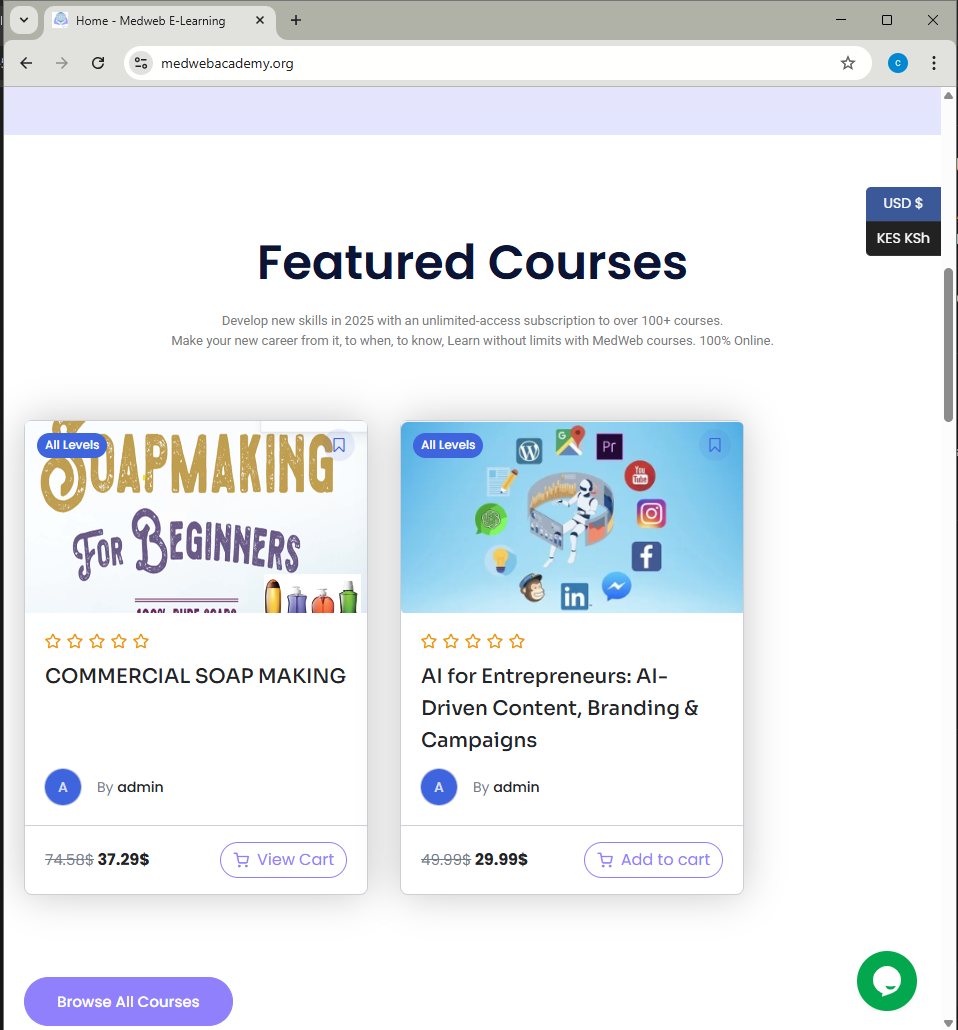
Step 2: Browse and Select a Course
Once logged in, browse through the available courses.
You can:
- Use the search bar
- Explore categories
- Click on a course that matches your interest
Open the course page to see full details.
Step 3: Click “Enroll” or “Buy Now”
When you’re ready, click the Enroll Now or Buy Now button.
You will be redirected to the checkout page.
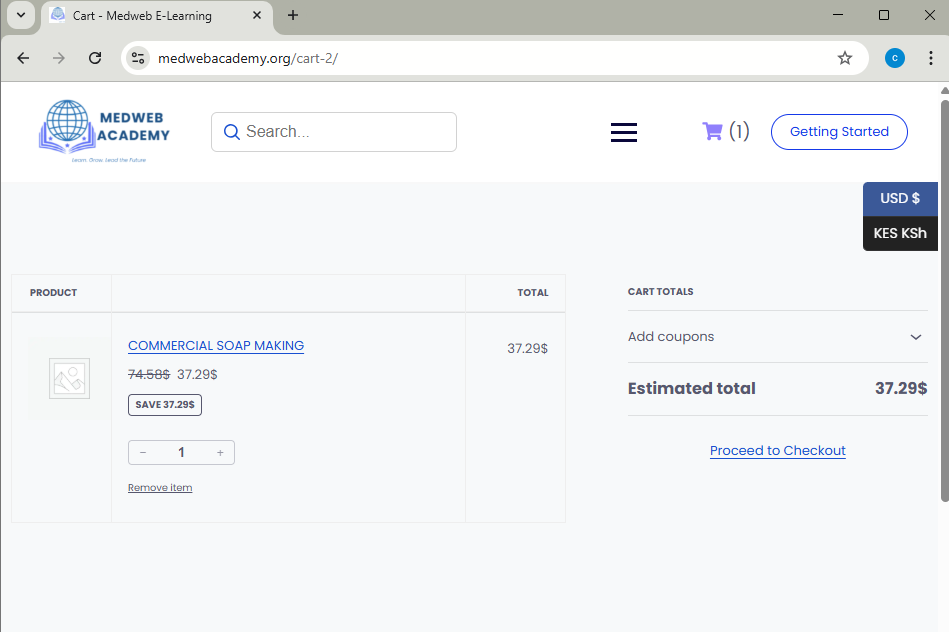
Step 4: Complete the Payment Process
On the checkout page:
- Enter the required details
- Choose your preferred payment method
- Review your order
- Click Proceed to Payment or Confirm Purchase
Wait for the confirmation message once the payment is successful.
Step 5: Access Your Course
After successful payment:
- Go to your Dashboard or My Courses section
- Click on your purchased course
- Start learning immediately
Your course materials will now be available anytime, anywhere.